


Tutorial: a Comic strip from A to Z with Krita
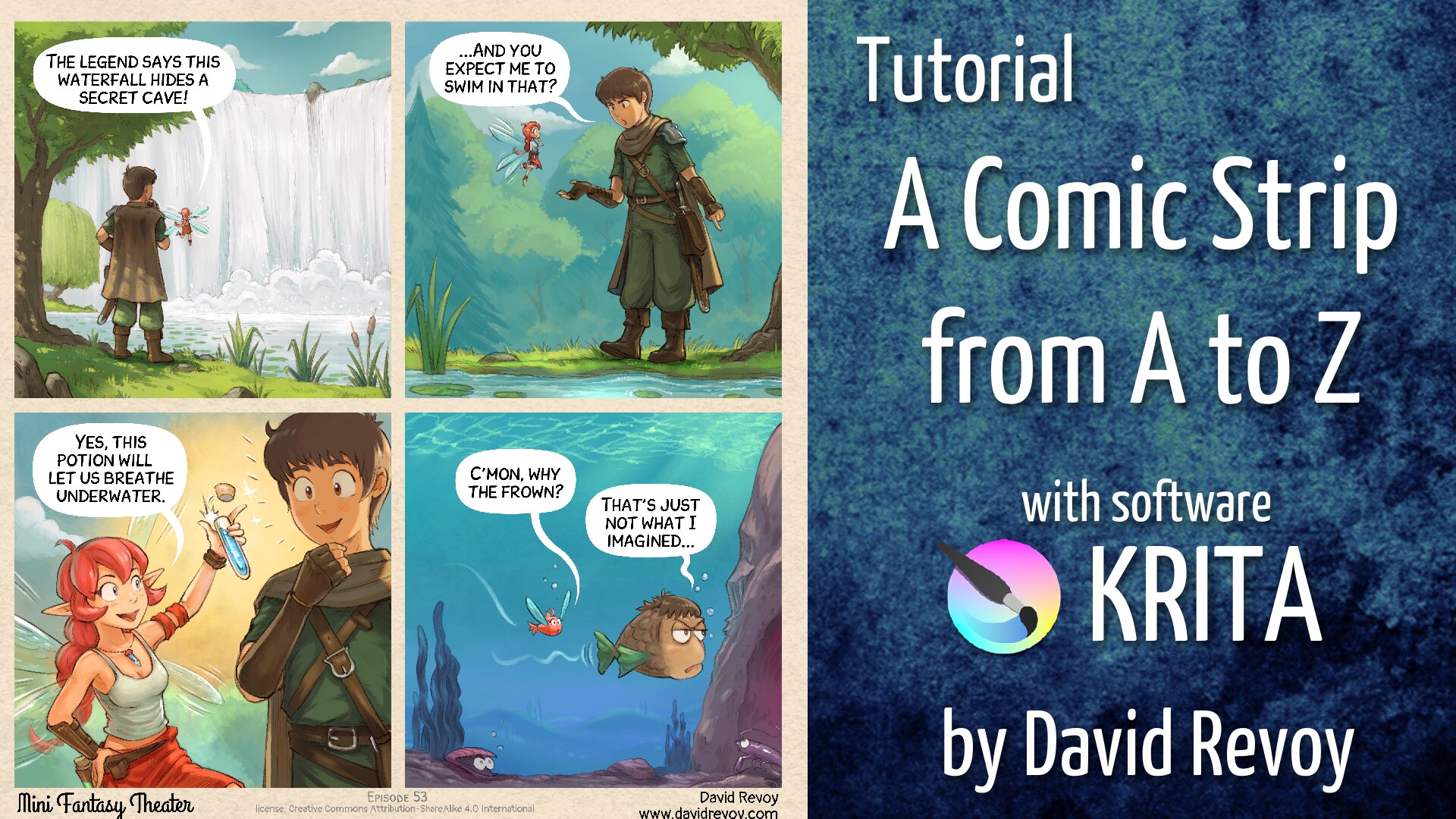
After a year of posting weekly comic strip on my social media, I wanted to film the making of the episode 53 published on the 20 May 2026 and build with all the 20 hours of video, a one hour tutorial on how to achieve this type of comic strip using Krita, from A to Z!
Video links:
- Youtube: https://youtu.be/3dAlQqWJDRQ
- Peertube: https://peertube.touhoppai.moe/w/7p7ZU64dayZsuoMJAT6xfH
It is segmented by chapter:
- 00:00 intro
- 00:49 Scenario
- 08:29 Panels
- 25:41 Speechbubbles
- 37:59 Layout
- 40:43 Sketch
- 44:37 Drawing / Inking
- 53:45 Coloring
- 58:03 outro
This tutorial has longer chapter on the new comic panel tool (in 5.3) and explains a full setup on how to use it, even for more complex comic pages, and also I spend time on the creation of speechbubbles, text (also new features of 5.3) and consideration regarding the layout and composition. The fundamental stone of getting a comic easy to read!
However, the inking and coloring chapter are a bit more lightweight, mainly because I already have many video on my channel about painting, shading, and line-art with Krita and I wanted to keep the video lenght under one hour. I'll certainly make more video about those specific workflow step later!
I hope you'll like the video, the first one I record and video edit on Wayland (and it wasn't a challenge at all; everything worked just as expected).
