


The RAM Nightmare: How I Lost My Sanity (and Almost My Deadline)
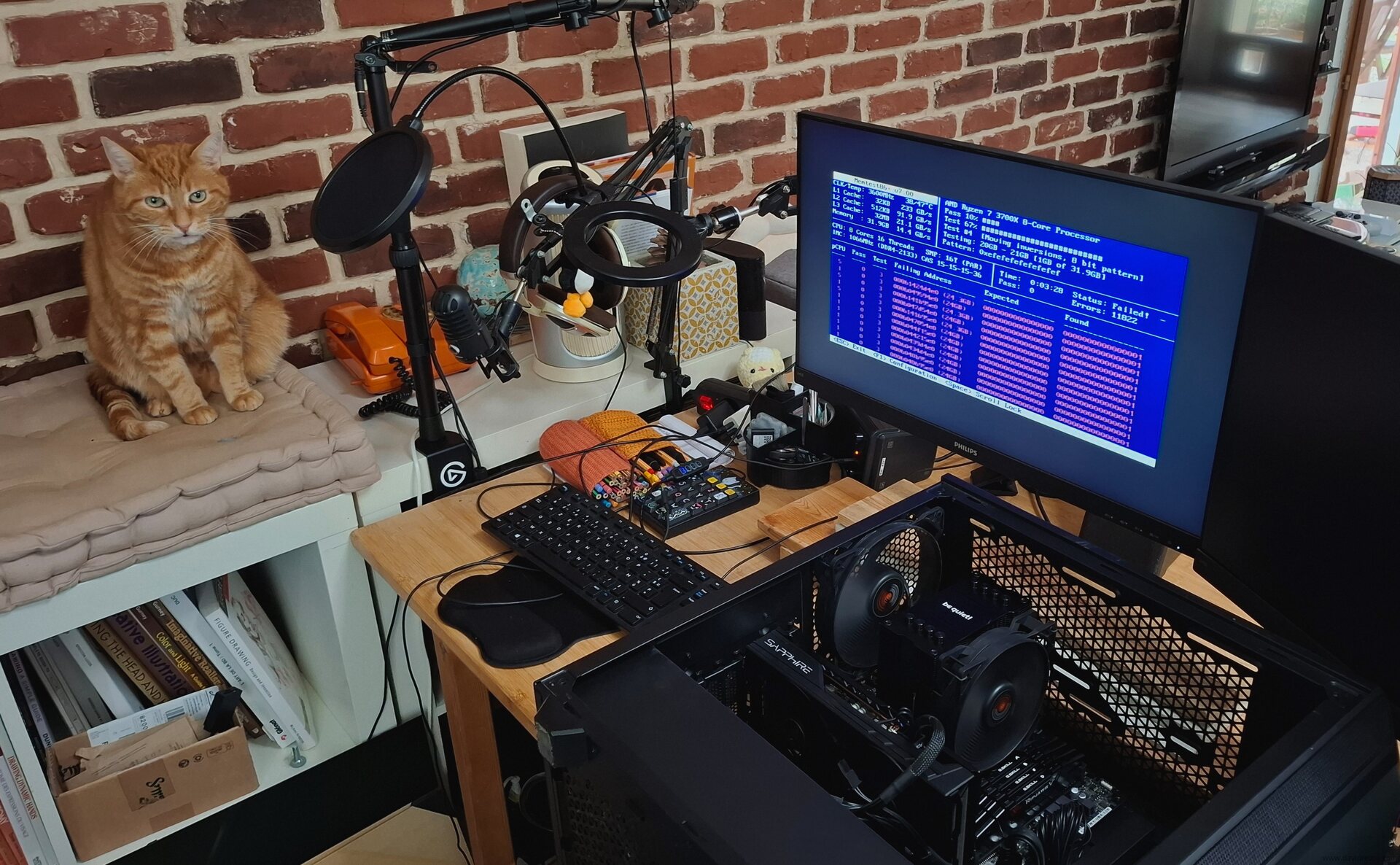
Table of Contents
I'm reporting on a recent experience with a faulty RAM module that caused chaos on my system. Now that it's fixed, I hope this post will inform future users about the symptoms of a bad RAM module, how to detect it, and how to remove the culprit.
The Symptoms
It started on Monday, as I began production on my weekly comic. But this time, I had tons of unusualy bugs and crashes. Initially, I thought the problem was software-related, so I blamed a recent update of my Debian 12 KDE X11. But it felt unlikely due to the reputation of stability of the Debian project. However, with a deadline looming for my weekly comic on Wednesday, and knowing that creating one typically takes two full days of production, I decided to brute-force my way through the issues and try to push through the creation process, but:
- Firefox tabs kept crashing.
- Many software applications wouldn't launch due to segfaults, or crash midway.
- Krita painting software had random tile crashes, corrupted layers, freeze and writing issues.
- Md5sum and other checksum tools were failing, causing random re-renders on my renderfarm.
- Many libraries were crashing in background, resulting in an unstable DE and more corrupted files and configs.
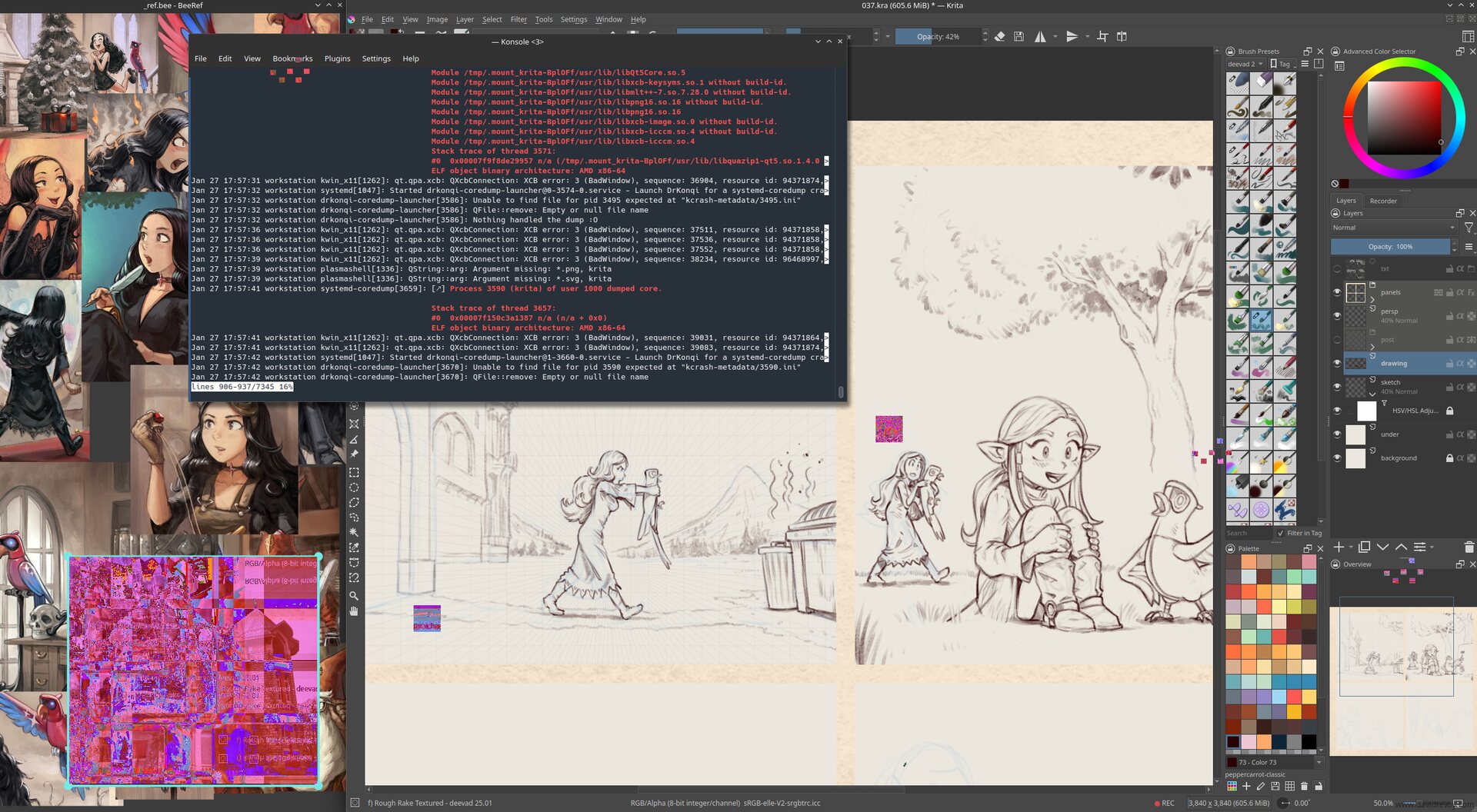
Screenshot simulation: this image is a photomontage I created to illustrate the symptoms I had while working with the faulty RAM module.
As a result, producing my last MiniFantasyTheater episode was a technical nightmare. I had to reboot my machine very often (from session of 30 minutes to 1h30 when I was lucky) to get a brief window of stability and continue the painting. I kept only Krita and BeeRef open, without any other software and it felt like a long tunnel: no music, no radio, and no podcast while painting. From time to time, I only opened Konsole, and launched a journalctl command to see what was crashing.
I also saved my files very often: multiple incremental versions every 5 minutes to avoid corrupted Krita files and had to redo many steps multiple times when the saving process froze and the system collapsed.
Confirming the Issue
Because I have my priorities and I'm stubborn like a donkey, it's only after completing the episode (at 6am after a full night of running this unstable bio-hazard thing) that I started to search online (with another device) what was going on, asked help on our #peppercarrot channel, and realized the issue might not be software-related, but likely hardware-related. I confirmed this by:
- Switching to differents kernel via the Grub menu and seeing that the previous kernels had the same issues
- Testing a blank session on a live USB ISO (Linux Mint 22.2) and spotting similar problems
Running a memtest from the Linux Mint ISO boot menu overnight (or 'morning') revealed over 47K memory errors, confirming my suspicions.
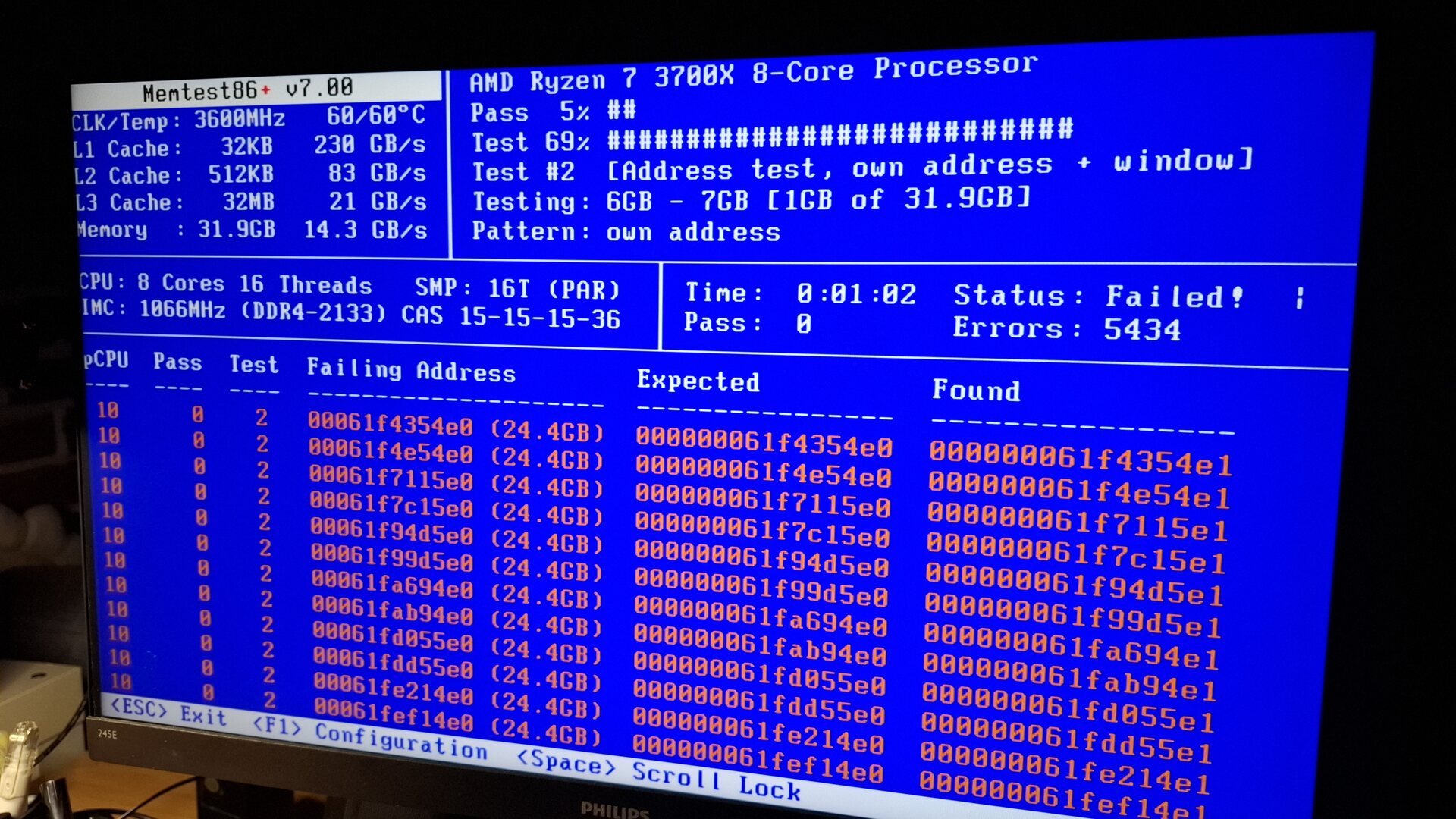
Memtest running and starting to report failures. In the end more 47K failures were reported.
Repairing
To identify the faulty module among my four 8GB modules "G.Skill RipJawsV DDR4 @ 3200Mhz, DDR4-3200 , CL-16-18-18-38 1.35v Intel XMP 2.0 Ready" , I followed the memtest documentation's advice ( Troubleshoot page, "1. Removing modules" ) to test each module individually. I made an official memtest ISO on a USB stick this time, and labeled each module with a letter (A, B, C, D) using a white pen. I also kept a table on a sheet of paper to note the results.
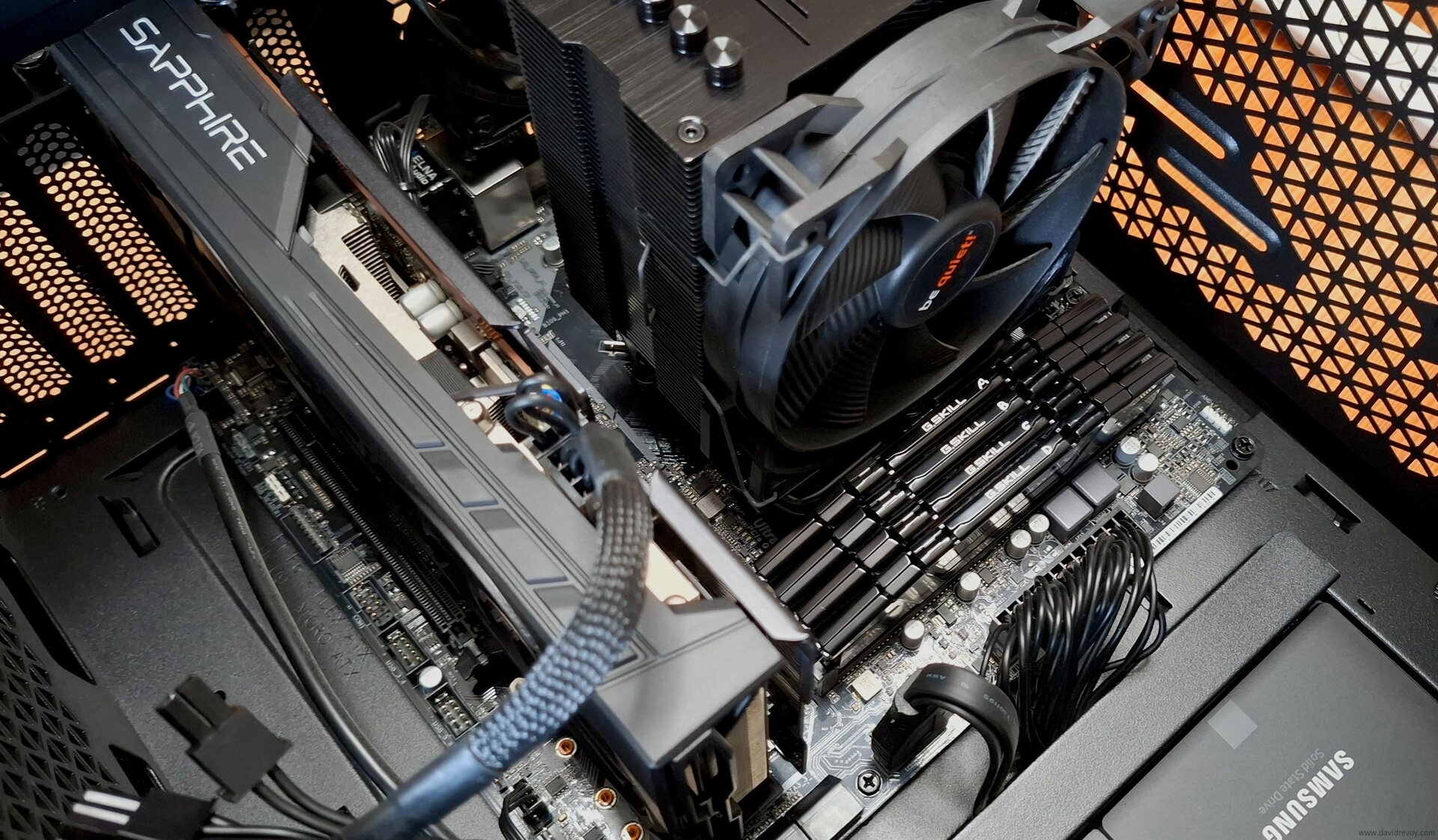
Labelling the ram with a painted letter in white A, B, C, D was helpful
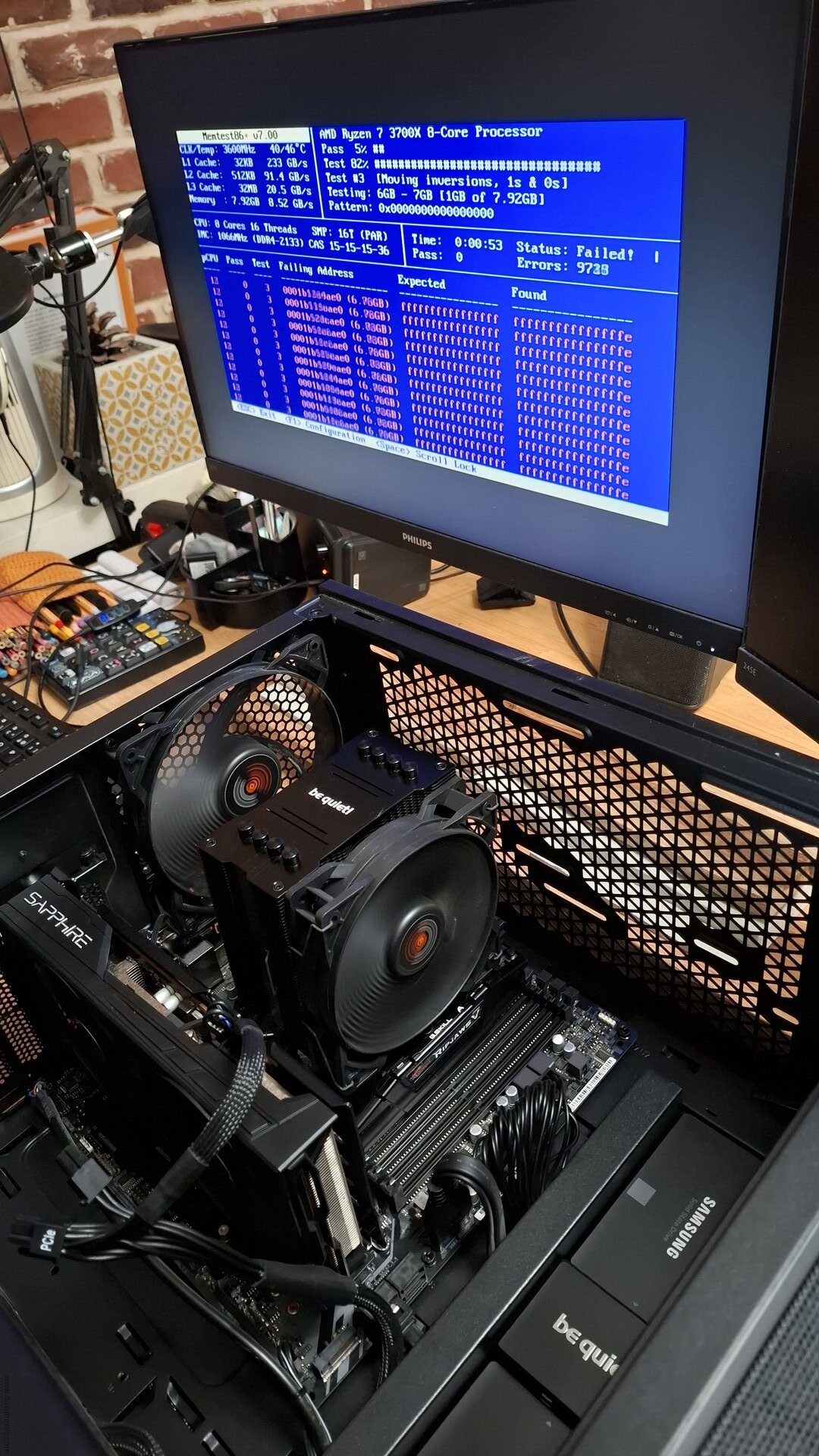
While testing module A alone: bingo, that was the faulty one.
The test revealed that all errors were caused by module A ( F4-3200C16D-16GVKB SN: 22352956817 if someone working at G.Skill is interested) , while modules B, C, and D were clean. A final test with the combination of B, C, and D confirmed that they were working properly. Yay. It wasn't that complex to do, but it was long: each memtest can take a long time to perform at least 10 different tests.
The Outcome
I kept only the RAM module B, C, and D and I'm now running with 23.4GiB of RAM as a temporary solution, which has restored the stability of my system (and my sanity). I might have lost 8GiB of RAM, but the peace of mind I gained from this move feels like a good trade-off for now.
In over three decades of using PCs, this is the first time I've encountered a failing RAM module and it's chaotic consequences. The module A, the one that failed, was purchased in 2020 and used daily on my PC... (The full review of my workstation at that time is here). 5.5 years of usage? Perhaps it simply lived an honest life. I have no idea...
I'll probably explore replacing the faulty module, but it sounds difficult to do it now without breaking the bank, as the current price hike of AI-related hardware like RAM is absurd. I also hope that my other modules won't fail like this one soon, especially if this is a question of lifetime.
All in all, it's remarkable (in a bad way) how much damage a bad RAM module can cause...
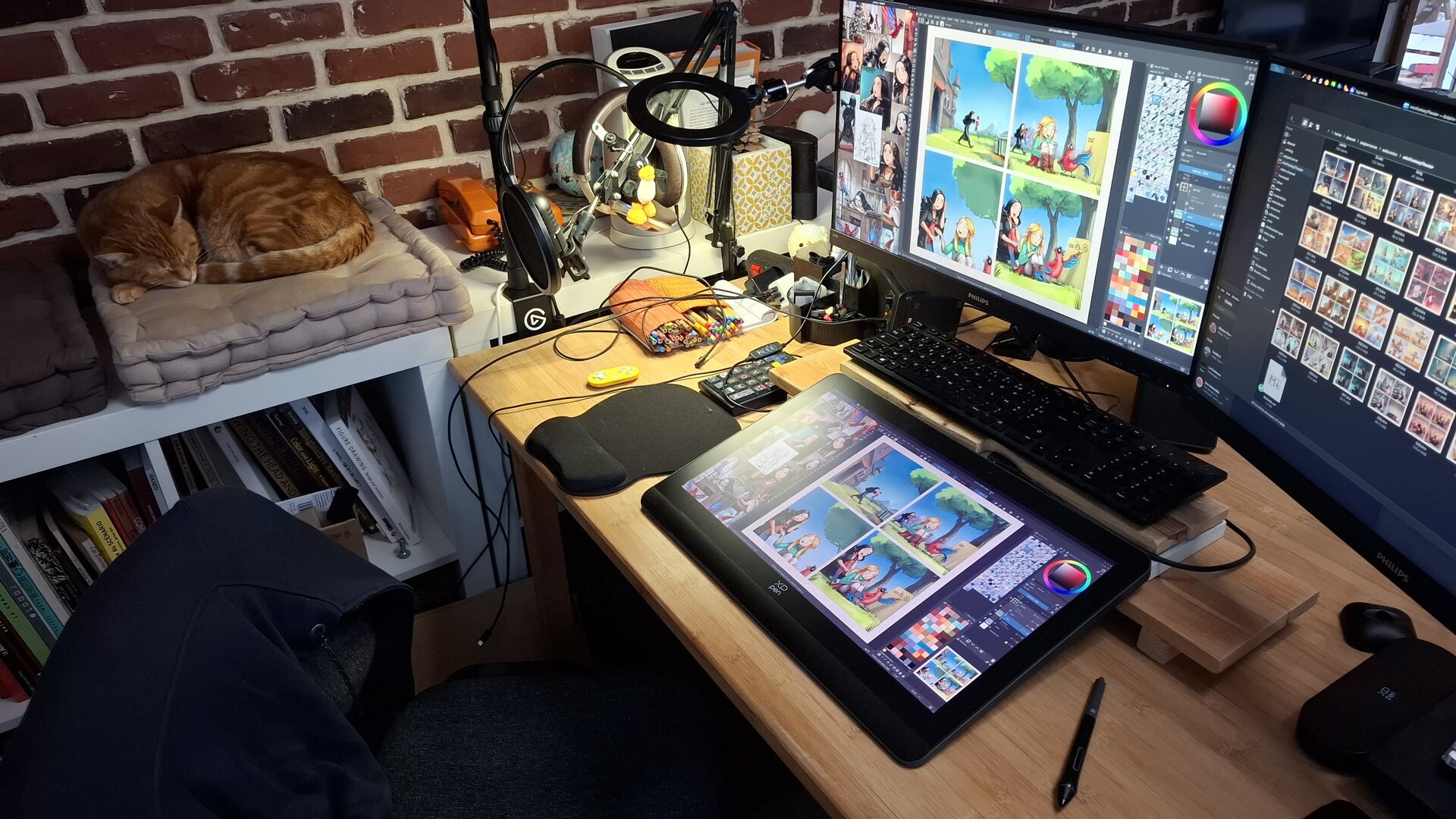
What a peace of mind to get back to a stable system... even with 8GiB less...
Your Experience?
Have you ever encountered a bad RAM situation? Is it a common issue? I know it may seem cliché to ask a question at the end of a blog post, but I'd sincerely love to hear about your experiences. Are there any warning signs or preventive measures that can help identify this issue ahead of time? What best practices or hygiene habits can we follow to minimize the risk of a faulty RAM module?
Addendum: What I learned from your comments and in general
- Rarity: RAM errors like the one I had are rare, but well-known among professionals who manage servers or a large number of machines.
- ECC RAM: It's a type of RAM that can't fail in this way. It requires a budget and a special combination of motherboard and CPU. But it's definitely something to consider if you want to avoid incidents like this.
- Memtest GPL vs Memtest (proprietary): Very confusing, as the two projects share the same name. Use https://www.memtest.org/ (GPL) over https://www.memtest86.com/ (proprietary).
- Memtest in Grub menu: Instead of booting the system on an external USB every time, you can have memtest as part of your Grub menu. To do this, simply run
sudo apt install memtest86+on Debian-based OS. - Testing Slots: Sometimes they can also be defective. It wasn't in my case, but that's something to check if you landed on this page for troubleshooting your install.
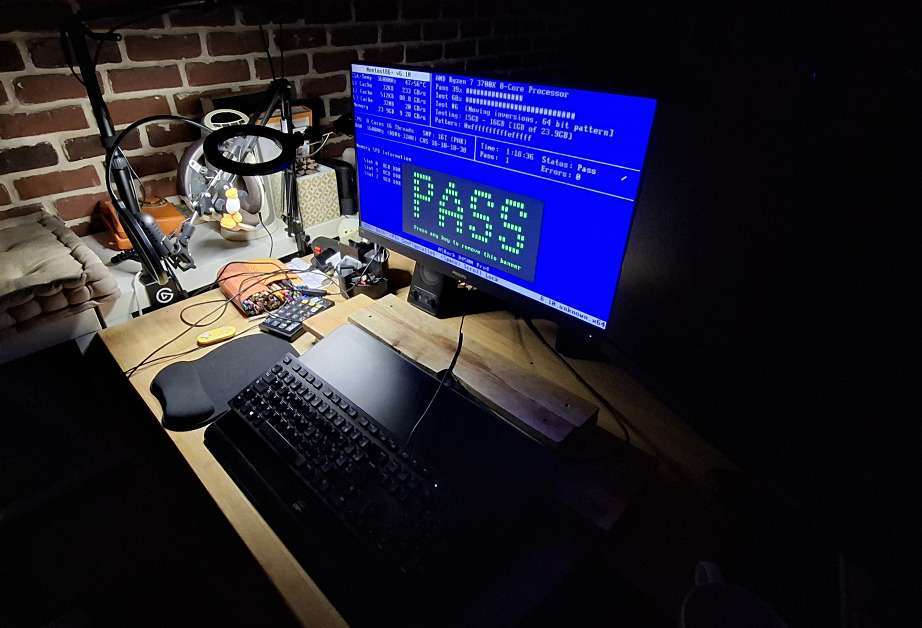
Also: Thank you memtest (GPL) dev, for this big ASCII "PASS" in green when completing the test: very satisfying.
Update:
-
2026-02-19: Good news: G.Skill accepted the warranty return, and will send new units. The bad news now; they wanted the 'couple' of RAM stick I bought at that time, so I'm returning 16GB, and I'll have to work right now (temporary) with only 16GB. For real; it's ok: I added a little RAM monitor on my systray bar in Plasma to keep an eye on it and close things if it is necessary.
-
2026-04-16: After months (warranty forms, posting back the 2x8GB modules to factory, and waiting), the brand finally honored their lifetime warranty and I received my new RAM this morning! Back to 32GB! 🎉 A relief, because I've been running over the last few months with 16GB, and it was tight for intensive work.
 75 -
75 -  213
213